
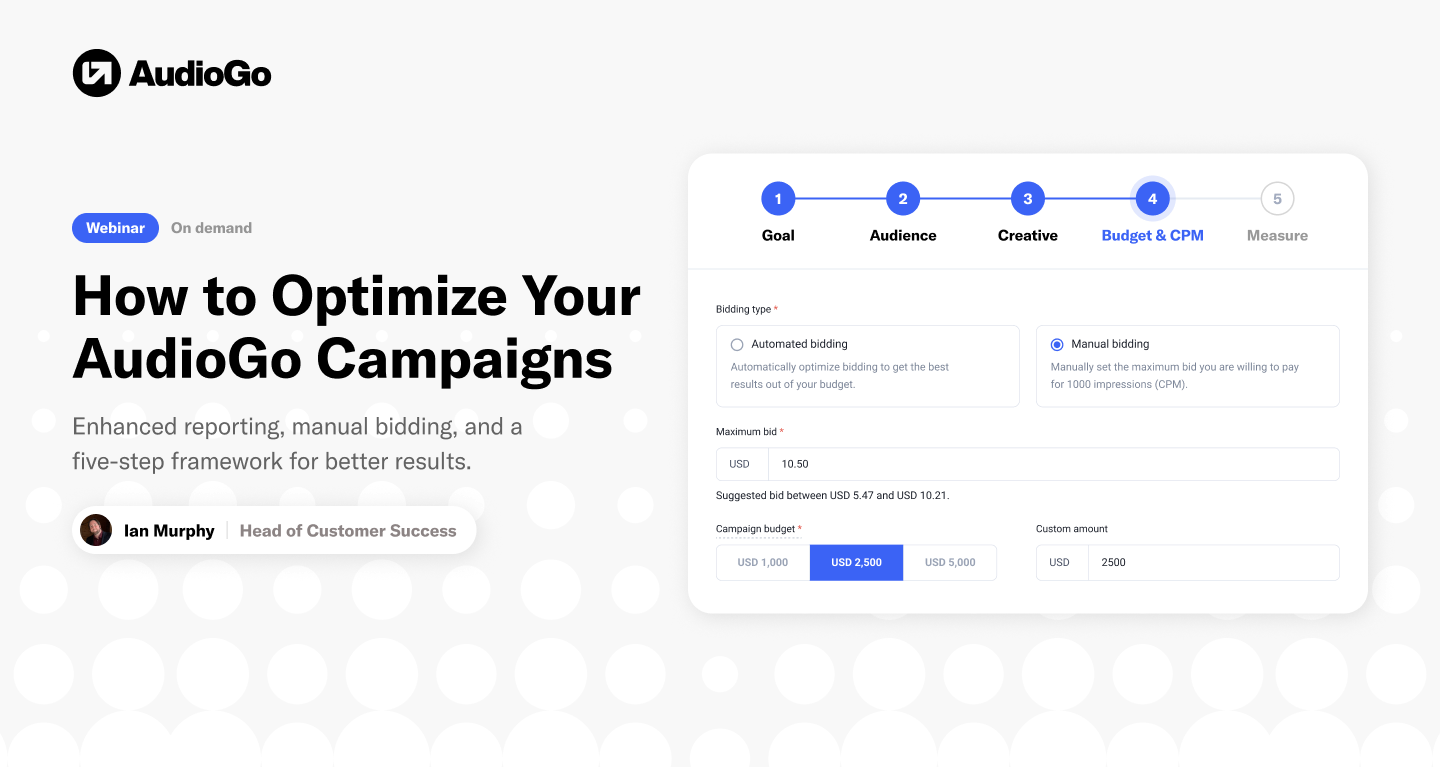
AudioGo's Ian Murphy walked marketers and agencies through how to get more out of every campaign, built around two features designed specifically for that goal: enhanced reporting and manual bidding. The theme throughout: more visibility, more control, and better results.
See the full webinar session here:
Here's a recap of what was covered, and how to put it to work on your own campaigns.
Why AudioGo is more optimizable now
Two recent product updates are behind the shift. Custom reporting has been rebuilt into a more powerful enhanced reporting tool, giving advertisers better visibility into what's actually driving results. And a new manual bidding option now sits alongside AudioGo's existing dynamic and fixed-price CPM models, letting advertisers set their own maximum bid instead of leaving pricing entirely to the system.
- Enhanced reporting: split and filter performance data by dimension (age, location, zip code, audience segment, day of week) and metric (impressions, clicks, conversions, unique listeners reached). Reports update live, can be exported, and are also available through AudioGo's reporting API for teams who want to pull data into their own systems.
- Manual bidding: set a maximum CPM and let AudioGo bid up to that ceiling based on real-time market conditions, rather than relying only on dynamic bidding (where the system sets the bid for you) or a fixed price.
Together, the combination of bid control, deep targeting, and transparent reporting means AudioGo now works a lot like a traditional programmatic DSP, minus the DSP fees, so more of the budget goes toward media rather than platform costs.
A simple framework for optimizing every campaign
Start with the goal, then work outward.
- Goal: what's the main KPI? Phone calls, website visits, app downloads, in-store traffic, or brand awareness.
- Audience: who does that goal point to? Age range, income level, homeowner status, in-market behaviors, and location.
- Creative: does the message and call to action match that audience and goal?
- Budget and CPM: AudioGo's campaign builder and audience guide help back into the right budget and bid based on the goal, audience, and creative already set.
- Measure: once the campaign is live (and especially once it wraps), use pixels and reporting to see what actually happened, then adjust.
The webinar used a sample HVAC advertiser to show the framework in practice: a goal of booked appointments, targeting homeowners in a set of local zip codes with relevant behavioral segments, creative pointed at a "request an appointment" landing page, a starting budget and CPM, and a plan to track everything through a pixel.
Finding the signal in your data
A big part of the session focused on using enhanced reporting to spot what's actually working. In a live demo, splitting one campaign's results by age range showed that roughly a third of clicks came from a single age band, pointing to where future budget and creative should focus.
Splitting the same campaign by zip code told a different story: some zip codes were getting a large share of impressions but comparatively few clicks or conversions, while others converted well despite fewer impressions, a signal to shift investment toward the areas that are actually delivering results.
The recommended process: review the signals (frequency, audience and location performance, creative response, day-and-time patterns), form a hypothesis, adjust one or more levers (targeting, budget, max bid, creative, flight dates), and measure again. Sometimes the right call is no change at all.
Measuring beyond AudioGo
One of the more important takeaways: don't evaluate audio in isolation. Audio tends to have a strong halo effect on other channels, so it's worth checking direct traffic, search performance, and cost per lead across the board while a campaign is running.
Results were shared from a case study with an agency partner and an HVAC client, who compared performance with and without paid media, and with and without audio specifically, using AudioGo's pixel, enhanced reporting, and reporting API throughout. While audio campaigns were running, the client saw a 200% increase in direct website traffic and a 98% increase in Google user visits, a sign that audio was driving demand that showed up as cheaper, more efficient traffic elsewhere. More direct traffic typically means less reliance on paid search, which brings down cost per lead across the board.
Five rules for better AudioGo performance
- Optimize against the business outcome. Start with what you're actually trying to improve before touching any other setting.
- Optimize the audience and creative to match. Use the right segments, locations, message, and call to action for that goal.
- Measure beyond the click. Use AudioGo's first-party pixel or a trusted third-party pixel to track the full customer journey.
- Look beyond AudioGo. Check the effect on search, direct traffic, and other channels, since audio's biggest impact often shows up there.
- Scale repeatable winners. Put more budget behind what's working, and start testing a secondary audience once a segment saturates.
Get help along the way
None of this has to happen alone. AudioGo offers managed service at no extra cost: reach out to your point of contact or in-app support and the team can review recent campaigns, help set up enhanced reports, or recommend specific optimizations. Agencies without an agency account yet can request one by emailing hello@audiogo.com.

Whether you're launching your first campaign or fine-tuning ones you're already running, AudioGo makes it easy to put these tools to work, with campaigns starting at $250 and no long-term contracts.